INDUSTRIES / GROCERY & SUPERMARKETS
Choose a grocery POS setup around your product mix, checkout lanes and daily stock routine. From produce sold by weight to a cart full of barcoded items, your store needs a clear path from shelf to checkout.
Get My Grocery QuoteNeighborhood markets • Specialty groceries • Multi-lane supermarkets

Give your team a clear workflow from the shelf to the register.
Make high-volume barcode items quick to find, with clear departments and consistent prices across the store.
Match PLUs and supported scales to the way you sell fresh produce, deli items and bulk goods.
Use item-level inventory and low-stock information to support receiving, counts and reorder decisions.
Plan card, contactless and eligible EBT acceptance with the right equipment and account setup.
A useful setup brings the scanner, scale, register and customer display into one practical lane layout.
Keep barcodes, descriptions and prices organized so staff can handle a full basket without repeated manual lookups.
Use supported scale integration and PLU shortcuts for items sold by weight. Confirm the exact scale model before installation.
Show the basket and payment total clearly, with departments and tax settings configured for your assortment.
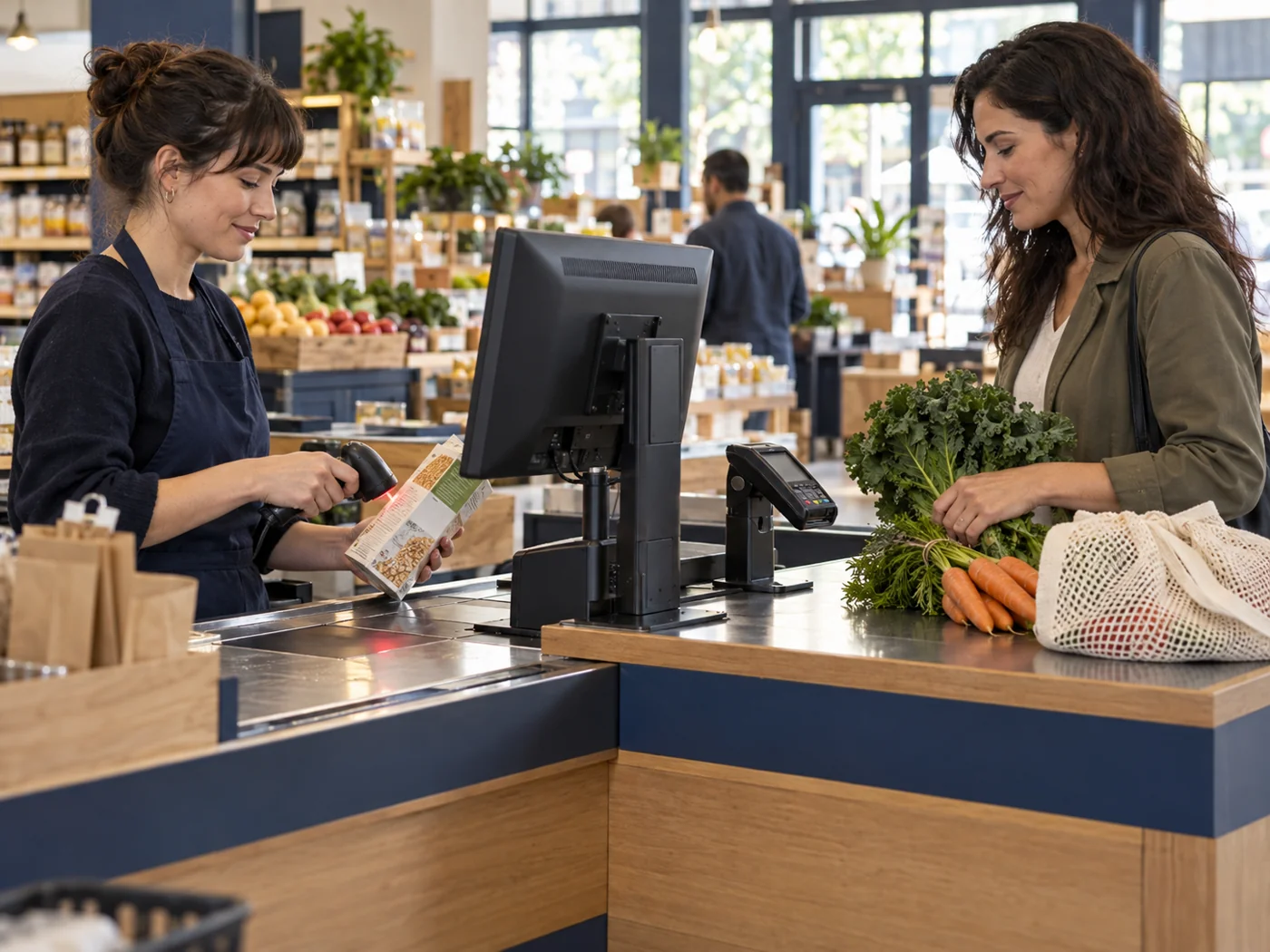
Fresh food and packaged groceries bring different daily needs. Plan pricing, checkout and stock routines around how each department sells.
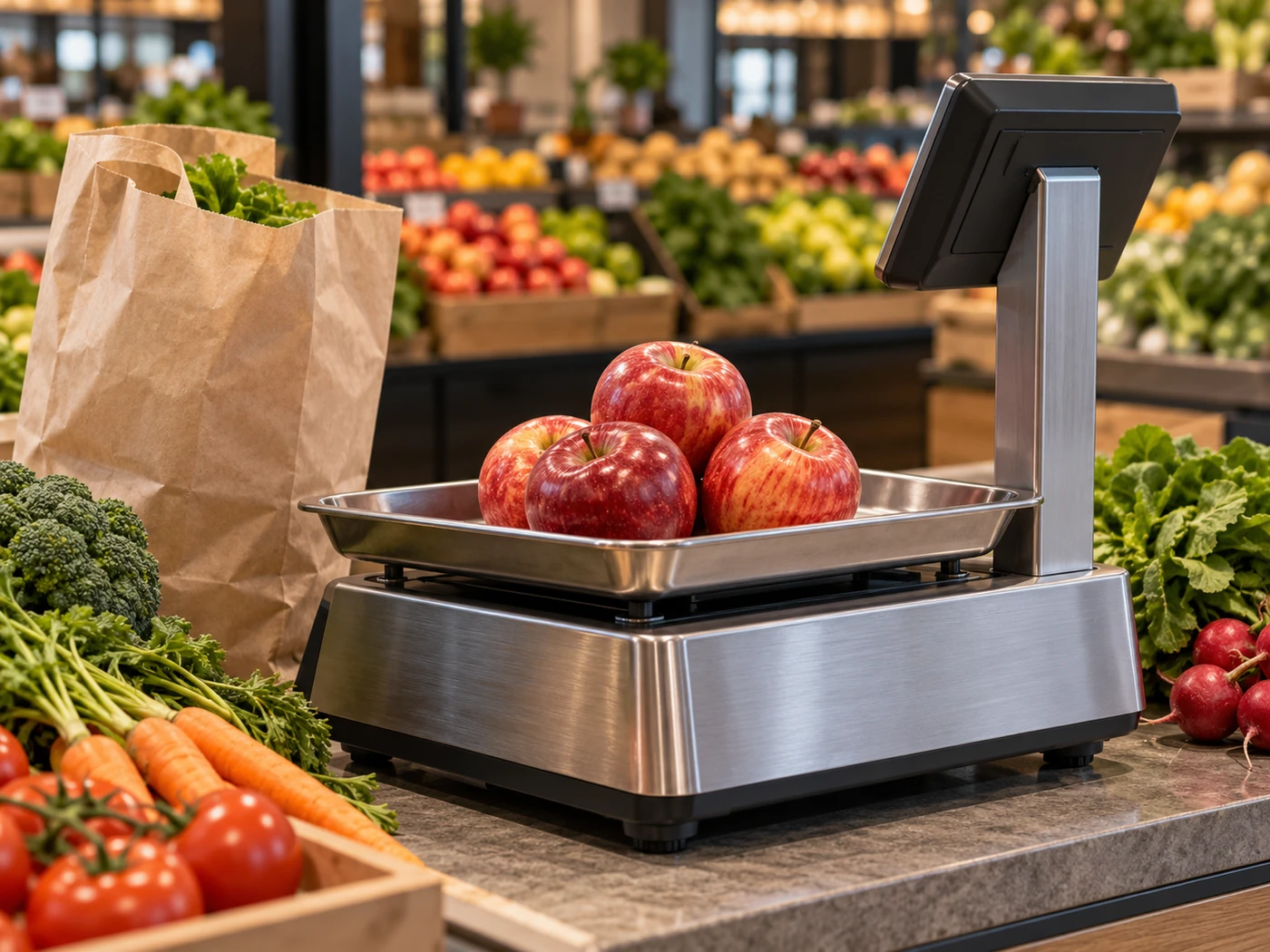
PRODUCE, DELI & FRESH FOODS
Keep produce lookups, unit prices and weighing routines clear for staff. Account for freshness, stock rotation and waste alongside daily sales.
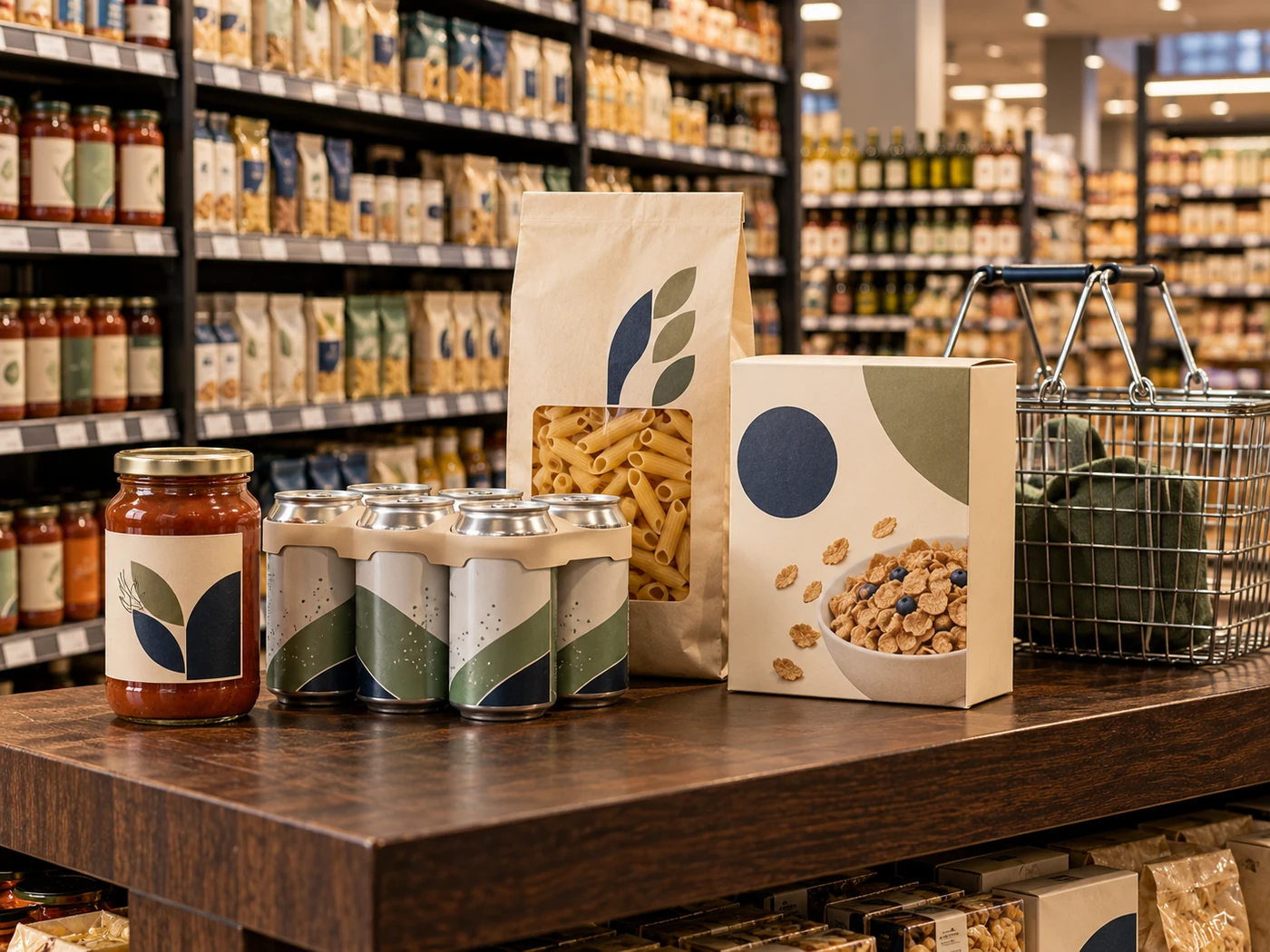
PANTRY, BEVERAGES & HOUSEHOLD GOODS
Organize barcodes, pack sizes and shelf prices across your assortment. Distinguish single items from multipacks and cases when receiving, selling and replenishing stock.
Scale integration, EBT acceptance and optional services depend on supported hardware, software and account eligibility. Confirm the required workflow in your proposed configuration.
Use these priorities to shape the system demonstration and rollout plan.
Compare delivered quantities with the items entering stock. Keep supplier information and unit sizes consistent before the products reach the shelf.
Distinguish individual units from cases and multipacks. A clear catalog makes counts and pricing changes easier to maintain.
Review item and department performance to identify fast-moving staples, slow stock and shifts in the product mix.
Set cashier and manager permissions for refunds, price changes and reporting according to each employee’s role.
A register should help answer the next question: what needs replenishing? Use inventory views alongside physical counts and receiving records.
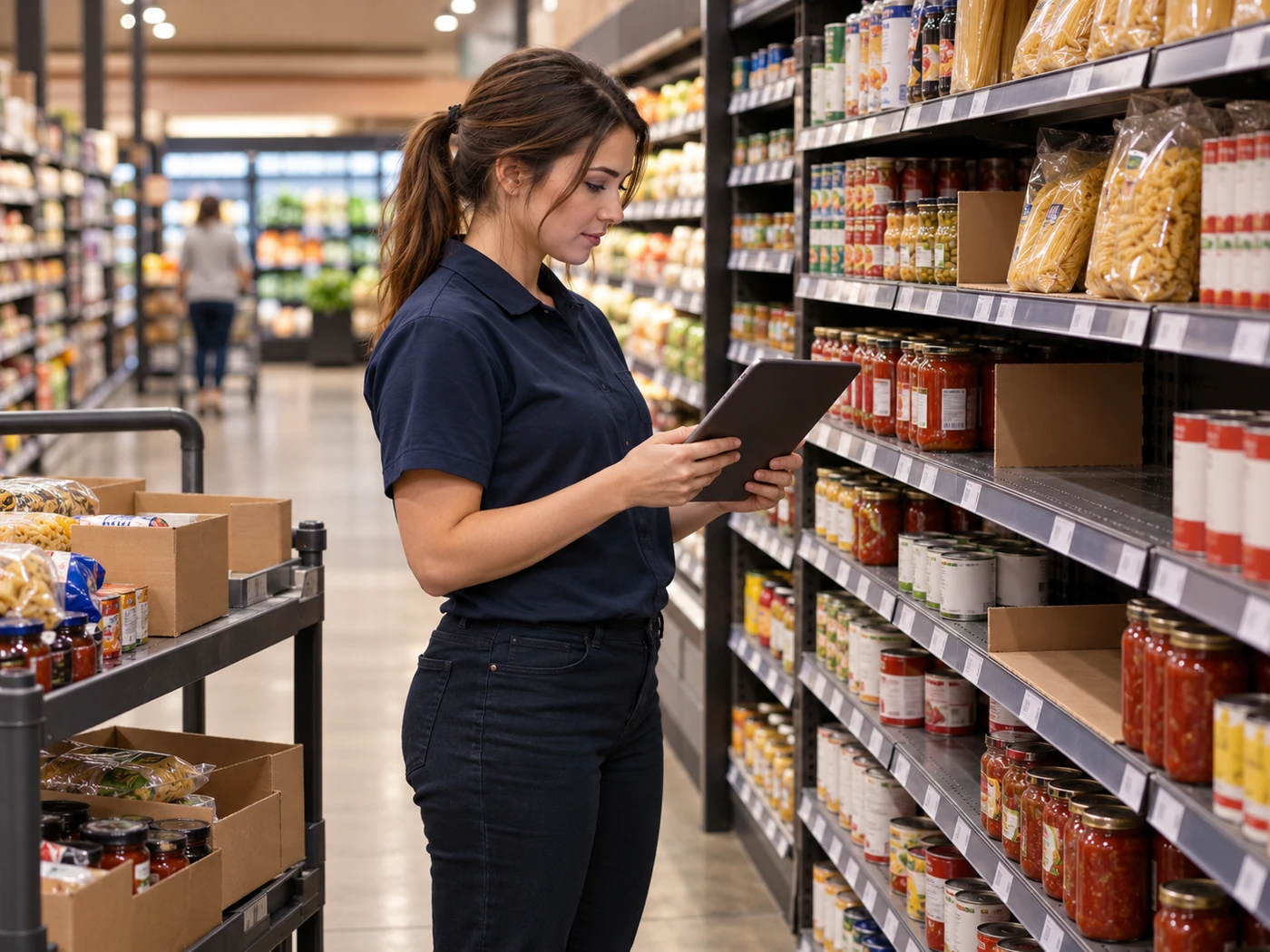

Compare shelf counts, incoming deliveries and sales records to plan replenishment. Track fast-moving staples, seasonal demand and stock nearing its expiry date.
Can the POS connect to a grocery scale?
Supported systems can work with compatible scales, but the exact model and connection matter. Include your existing scale details in the review before purchasing equipment.
Can I accept EBT?
Eligible merchants can configure supported EBT acceptance with the appropriate account and equipment. For SNAP benefits, your store must first be authorized by USDA. Review the USDA SNAP retailer application guidance. We will review your equipment and processing requirements as part of the grocery setup.
What if I have several checkout lanes?
Plan the lane count, shared item catalog, network, scanners and customer displays together. The proposed system should fit peak basket volume and your store layout.
Can I import my existing items?
Catalog migration depends on the available export and the selected POS. Prepare a clean list of item names, barcodes, prices, departments and starting quantities for review.
YOUR NEXT STEP
Tell us about your checkout lanes, fresh departments and current POS. We will help match the equipment and payment setup to your store.