FREEDOM PROCESSING
Explore Clover POS for payments, orders and daily business tasks. Compare countertop and handheld options with Freedom Processing.
POS hardware · Business software · Setup guidance
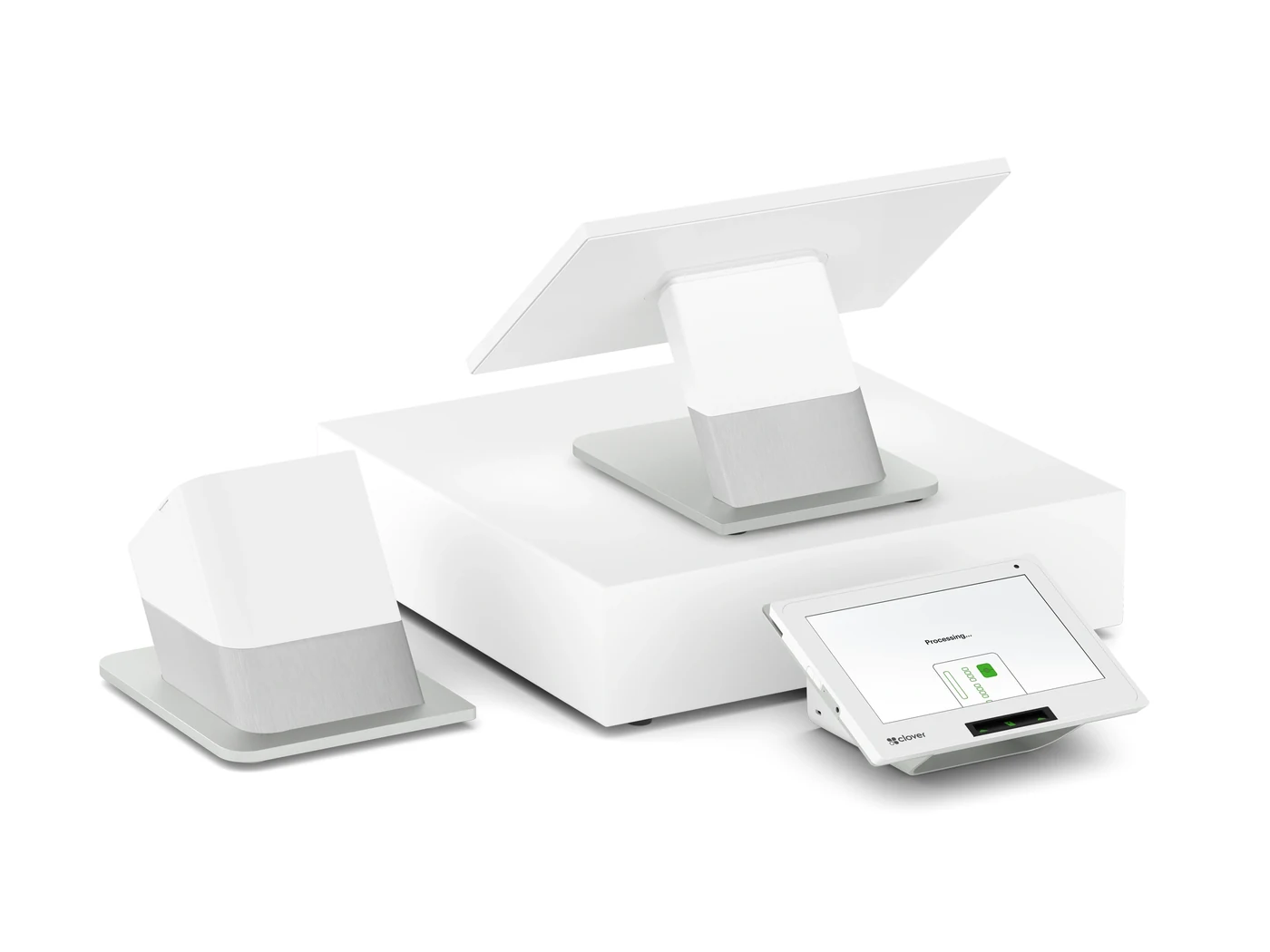
Station Duo and Mini for a dedicated checkout.
Flex and Flex Pocket for portable checkout.
Sales, items and team tools to suit your plan.
STATION DUO
Give your team room to manage the sale while customers review and pay on their own display.
Build orders and work through checkout on the larger touchscreen.
Let customers review the sale and pay by chip, swipe or contactless.
Confirm the printer, cash drawer and any extra accessories in your quote.
MINI
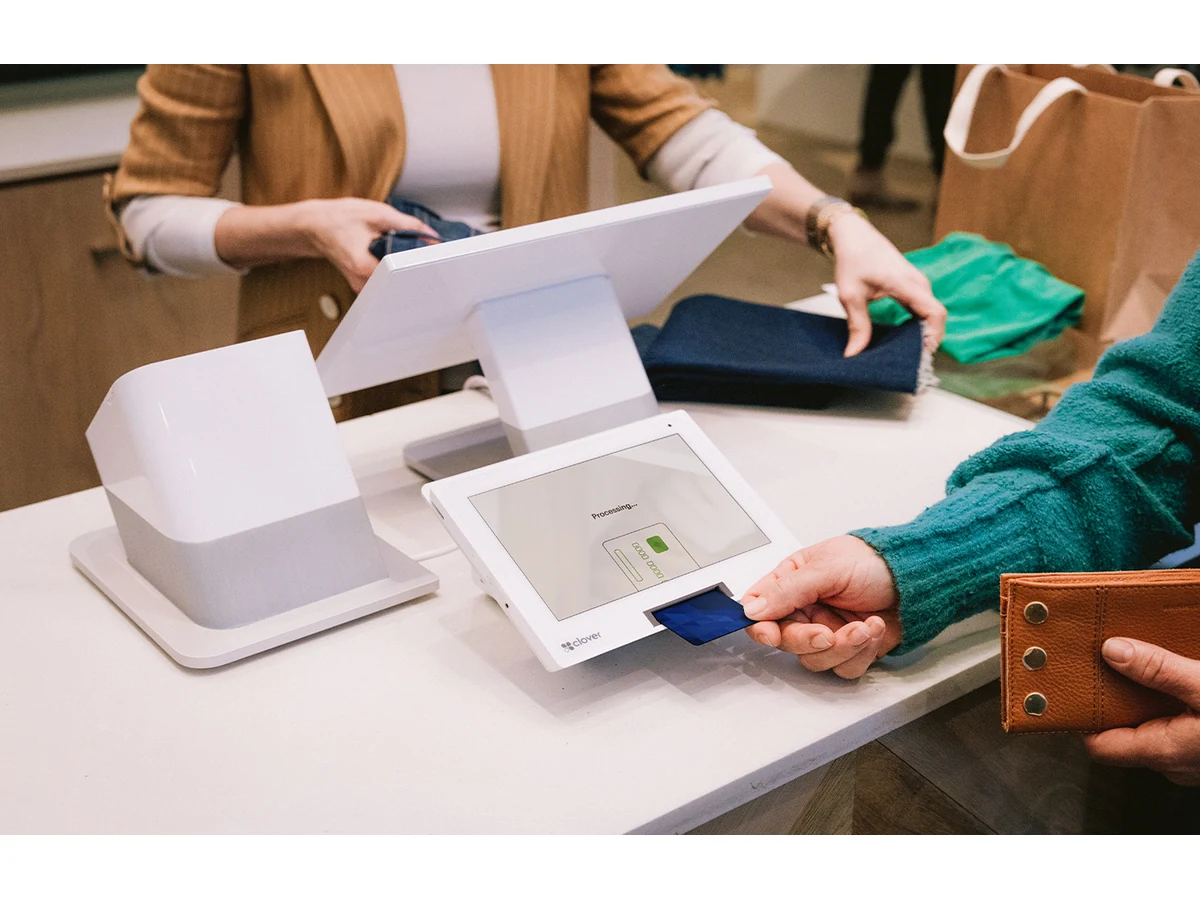
An 8-inch touchscreen, payment acceptance and receipt printing in one compact countertop device.
Accept chip cards, swipes and contactless payments from a small counter.
Print a receipt on the integrated printer, or send one by email or text.

FLEX
A handheld POS for taking orders and payments around your business, with a built-in receipt printer.
Keep paper receipts available wherever you complete the sale.
Use the built-in barcode scanner to look up products.
Use Flex on its own or alongside other compatible Clover devices.
FLEX POCKET
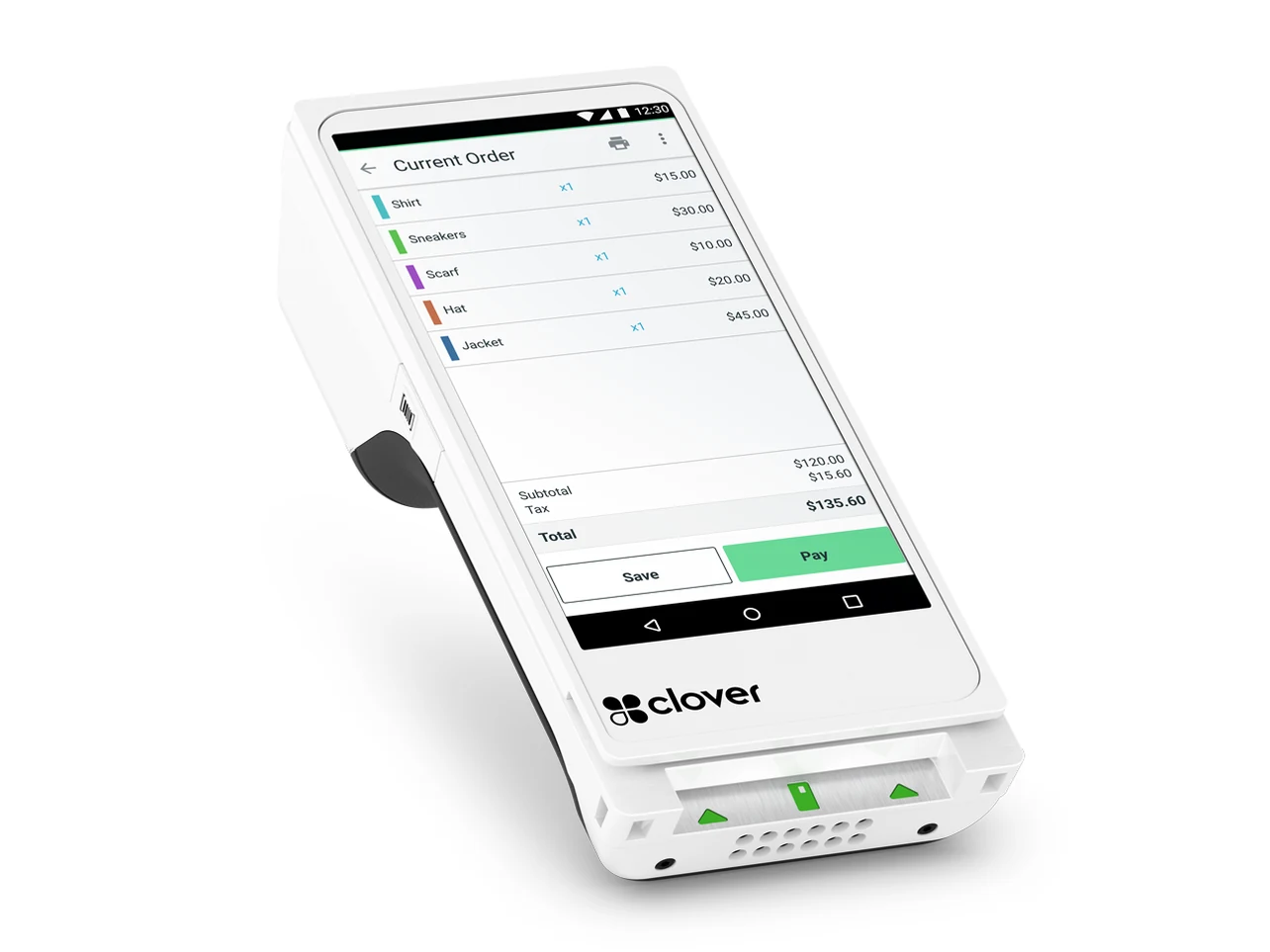
Choose a printerless handheld when a slimmer device and digital receipts fit the way you serve customers.
Send receipts by email or text without carrying a paper roll.
Use the 5.99-inch touchscreen, built-in scanner and USB-C charging.
BUSINESS TOOLS
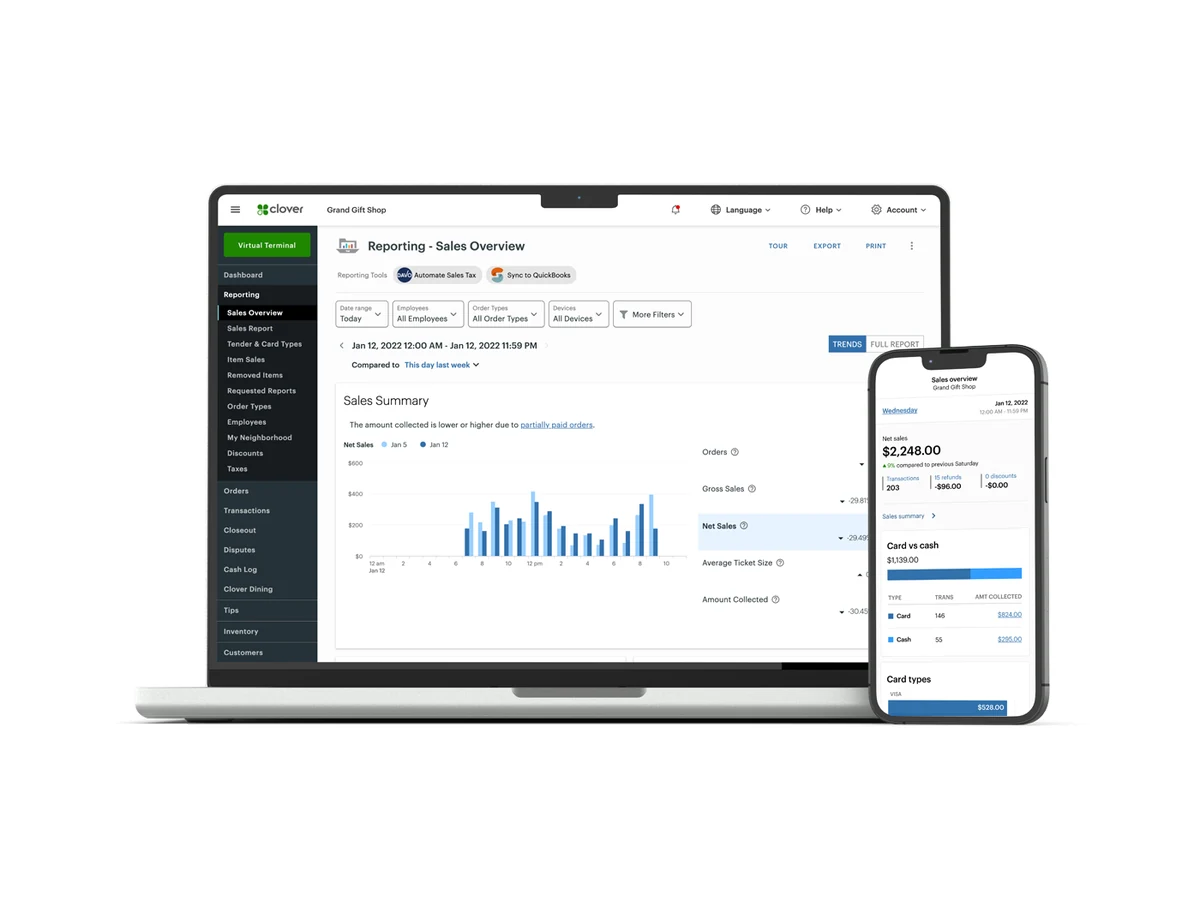
Use Clover Dashboard on a computer or phone to follow business activity beyond the checkout counter.
Review sales, busy periods, refunds and best-selling items.
Organize items, categories and modifiers with a suitable software plan.
Match employee permissions and reporting to each person's role.
Features depend on your device, software plan and selected apps. Optional services may carry additional charges. Review Clover device information and confirm the features and terms included in your quote.
YOUR WORKFLOW
Start with where you take orders and payments, then choose the devices and software that support the job.
Pair a countertop station with item and inventory tools suited to your store.
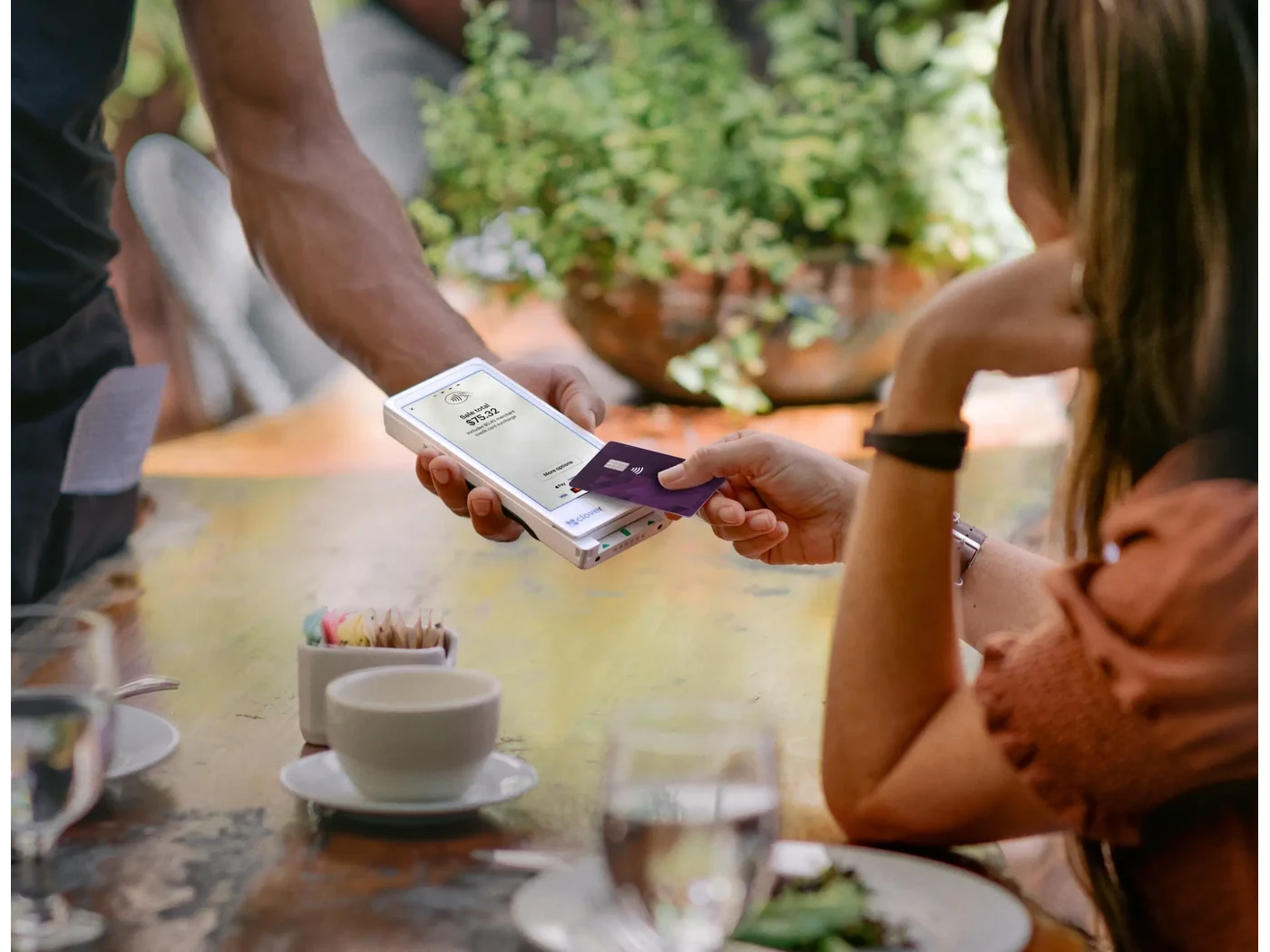
Bring payment to the table. Tableside ordering needs compatible restaurant software.
Choose a fixed or portable checkout that fits the space where you meet customers.
BEFORE YOU CHOOSE
Which Clover device fits my business?
Station Duo offers separate merchant and customer displays. Mini suits a smaller counter. Flex adds portable checkout with a receipt printer, while Flex Pocket uses digital receipts. Tell us about your space, workflow and receipt needs so we can confirm the available options.
Can Clover accept contactless payments?
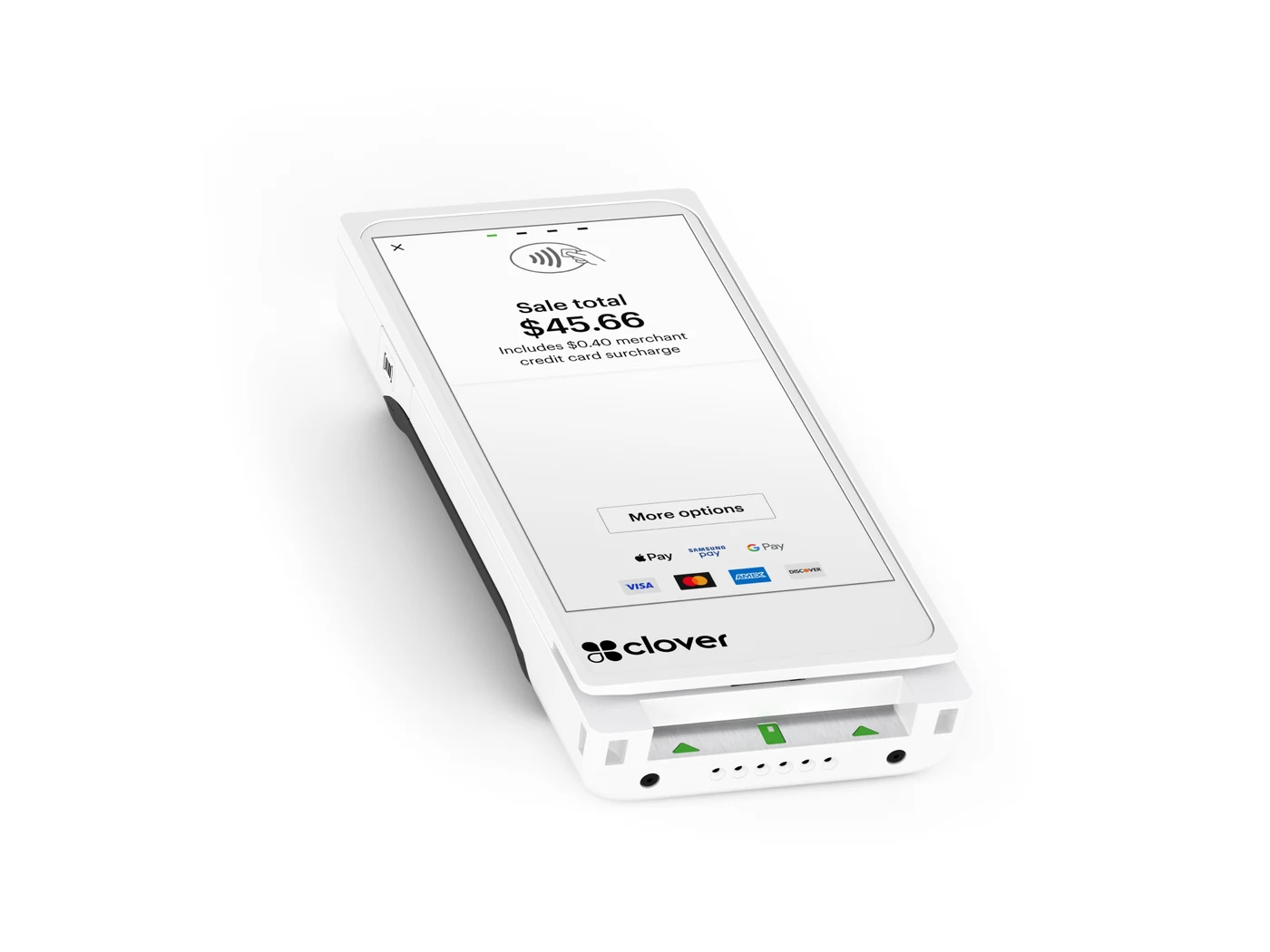
The devices shown support chip, swipe and contactless payments, including compatible mobile wallets. Payment services and account setup need to be confirmed for your business.
What is the difference between Flex and Flex Pocket?
Flex has a built-in receipt printer. Flex Pocket is a slimmer, printerless handheld that sends digital receipts. Both support portable payments, with features depending on the chosen software and setup.
Are all business tools included?
No. Inventory, reporting, employee tools, restaurant functions and integrations vary by software plan and selected apps. Ask for the hardware, software subscriptions, optional services and processing terms to be itemized in your quote.
Can I use a Clover device I already own?
Share your device model and current provider so we can check whether it can be used with the proposed setup.
LET’S BUILD YOUR SETUP
Tell us how your business takes orders and payments. We’ll help you explore hardware, software and processing options for your workflow.