INDUSTRIES / GAS STATIONS & C-STORES
Stop running two separate operations. Integrate your pumps, site controller, and store checkout so fuel and retail sales flow together seamlessly.
Review My Station SetupIndependent stations • Branded fuel sites • Convenience stores
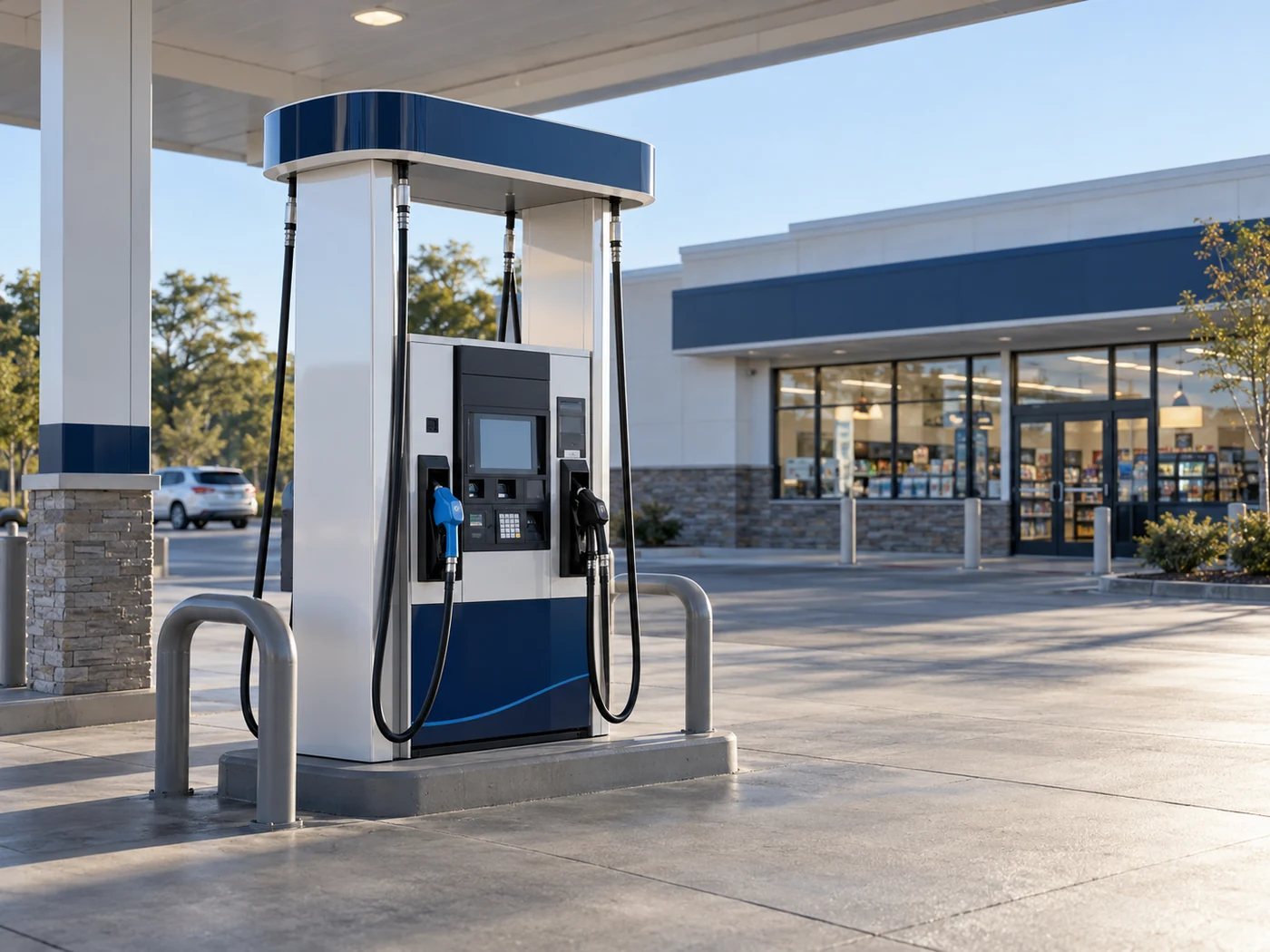
Connect your pumps, checkout counter, and back office so your entire operation moves as one.
Review outdoor card readers, payment acceptance and dispenser compatibility as part of the complete site setup.
Keep fuel-related transactions and everyday basket sales easy for cashiers to handle at the counter.
Match the POS, controller and dispensers before selecting a payment solution or planning an upgrade.
Compare fuel sales, store sales and payment totals with the reports available in the station platform.
A station upgrade starts with an equipment map. The payment terminal alone does not tell us how your fuel operation is connected.
Identify dispenser models, outdoor payment modules and the acceptance types your customers use.
Verify your site controller, POS software version, and approved payment connections before switching processors.
Include scanners, receipt printers, inventory tools and shift reporting in the rollout plan.
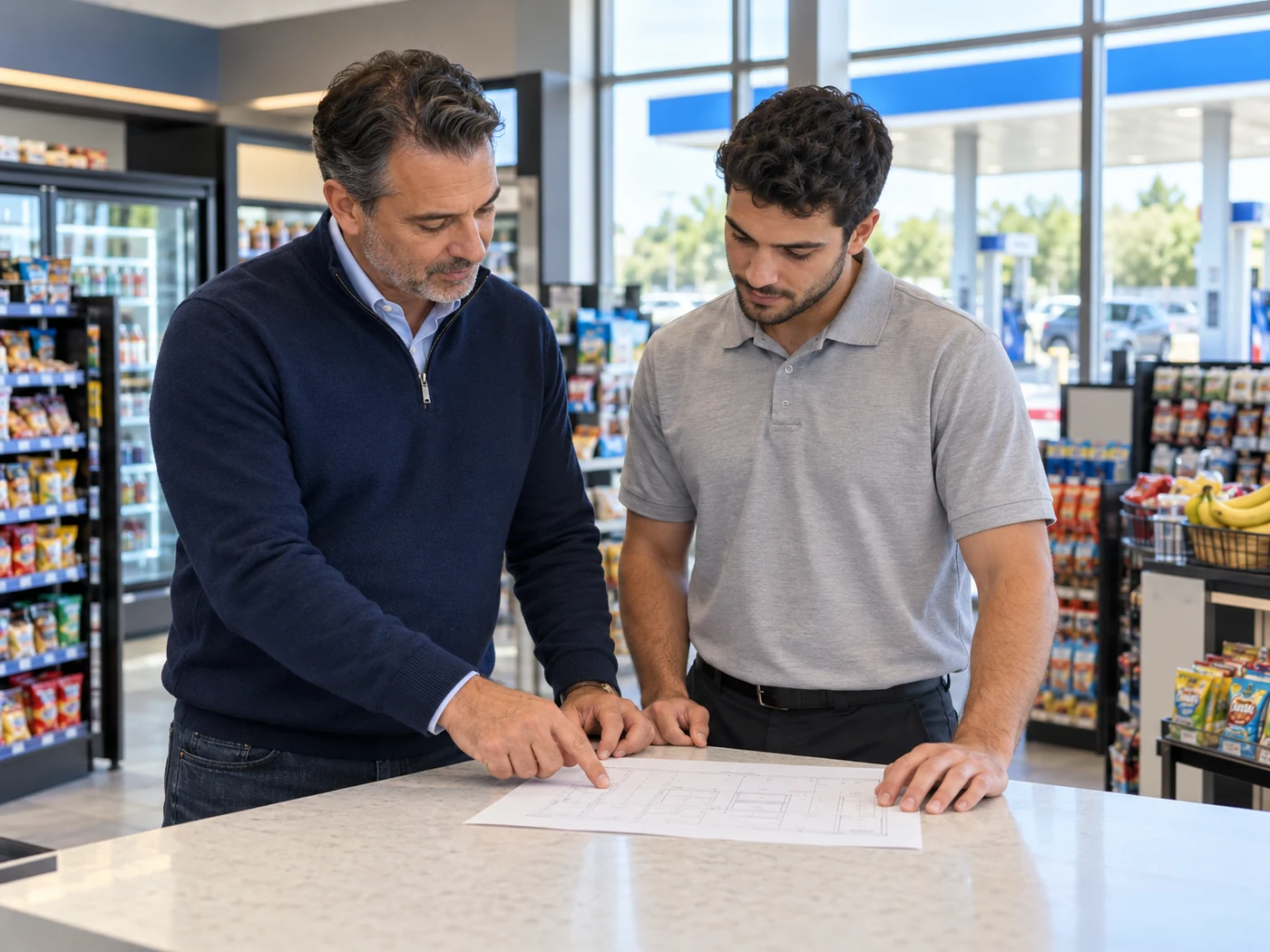
For an existing fuel site, the best starting point is often the platform already connected to your pumps. These are established station-specific systems to evaluate.
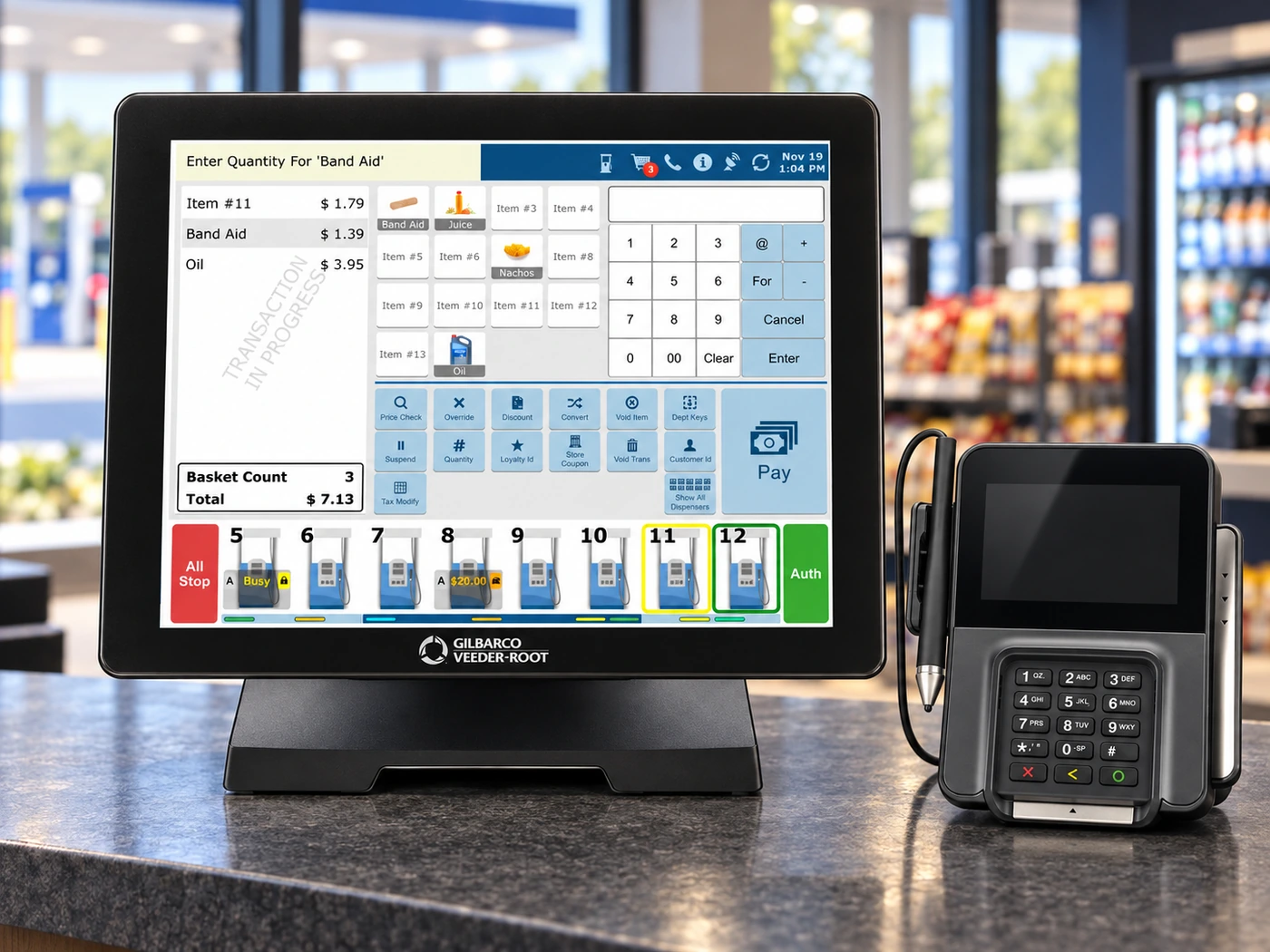
FOR SITES BUILT AROUND PASSPORT
A fuel and convenience-store POS platform with cashier workflows and forecourt connections. Review the installed version, payment network and dispenser configuration before choosing changes.
Explore Station Systems
FOR COMPATIBLE VERIFONE SITES
For an existing Ruby2 installation, review the checkout setup, site controller, software version and payment compatibility before choosing changes.
Explore Station SystemsProduct images show representative systems. Recommendations, available upgrades and installation support depend on the equipment, software, fuel brand and location of your site.
Use these priorities to shape the system demonstration and rollout plan.
Set up clean product departments, barcode scanning, and cashier permissions to streamline everyday customer purchases.
Review stock counts, receiving and reorder tools in the POS or connected back office. Fuel reporting and retail inventory serve different needs.
Include the system’s available age-check prompts and your staff procedures when configuring tobacco or alcohol departments.
Schedule the cutover around site traffic, test indoor and outdoor transactions, and confirm who handles each part of the installation.
Wayne and Gilbarco equipment can appear in very different site configurations. Model numbers and installed payment modules are more useful than the brand name alone.

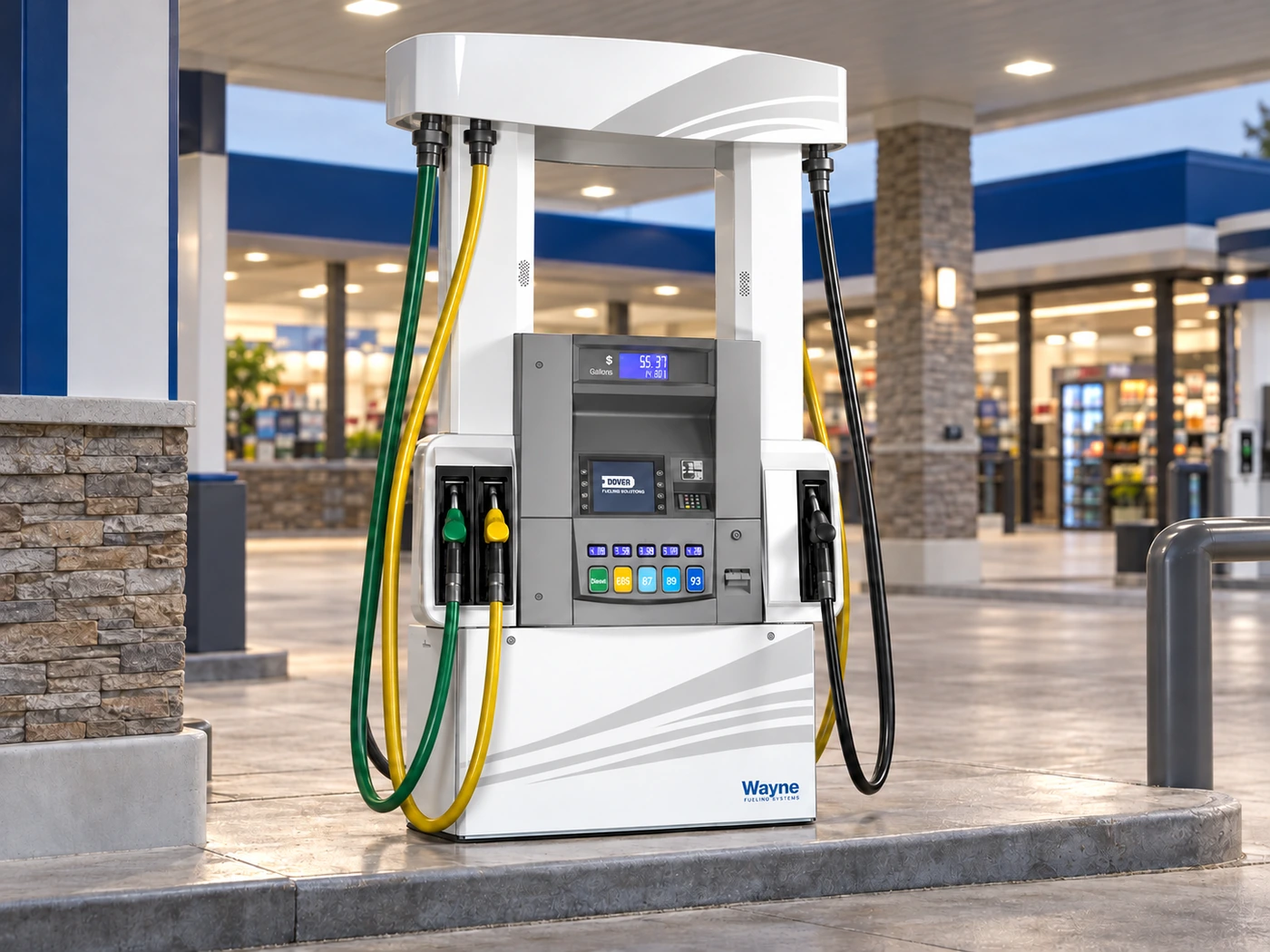
Before recommending an upgrade, document the dispensers, controller, POS version and current processor. This helps separate a processing change from a larger forecourt project.
Will I need to replace all of my pumps?
That depends on the dispenser models, payment modules and supported connections. We review the existing equipment first; a payment change does not automatically mean a full pump replacement.
Can you review an existing Passport or Verifone setup?
Yes. Share the POS and controller details, software version and dispenser models so compatibility and available processing options can be reviewed. For help with an existing account or device, visit merchant support.
Are inside and outside payments the same setup?
They are related but have different hardware and integration requirements. Both should be included in the site review and tested during any changeover. For general payment-security guidance, see PCI Security Standards Council merchant resources. Your provider confirms the requirements for your site.
What information helps with a station quote?
Send the station address, fuel brand if applicable, dispenser and POS models, current provider and a recent processing statement. Include any planned changes to the store or forecourt. Review our payment processing pricing options before requesting a site-specific quote.
YOUR NEXT STEP
Bring your equipment details and current processing statement. We will help identify the right next step for the forecourt and the store.