INDUSTRIES / RESTAURANTS & HOSPITALITY
Choose a restaurant POS setup around your menu, rush hours and guests. Connect the dining room, counter and kitchen with payment tools that fit the way your team serves.
Review My Restaurant SetupFull-service dining • Cafés & quick service • Bars & takeaway

Equip each part of service with tools the team can use at the busiest moment.
Map your dining room, track open checks and split a bill without starting the order again.
Take modifiers and payments to the guest with a handheld device that fits your floor.
Keep dine-in and takeaway orders clearly identified so the right meal reaches the right guest.
See sales by item and employee, review tips, and compare busy periods before planning the next shift.
Build the menu and order flow before choosing the number of screens. That is what makes a restaurant system useful during service.
Organize sizes, sides, substitutions and required modifiers so staff can enter an order consistently.
Route food and drink orders to the appropriate kitchen printer or compatible display; use coursing where the restaurant plan supports it.
Bring payment to the guest, handle split checks and offer a receipt without another trip across the floor.

Start with a main POS for the service station or counter. Add handhelds and kitchen screens where they solve a real bottleneck.

FOR A FULL-SERVICE WAIT STATION
A fixed restaurant POS for menu entry, table management and check handling. Pair it with a compatible payment device and the restaurant software plan your service requires.
Explore Clover
FOR COUNTER AND TAKEAWAY SERVICE
A merchant screen and a separate customer payment screen suit busy counters, cafés and pickup areas where ordering and checkout happen together.
Explore Clover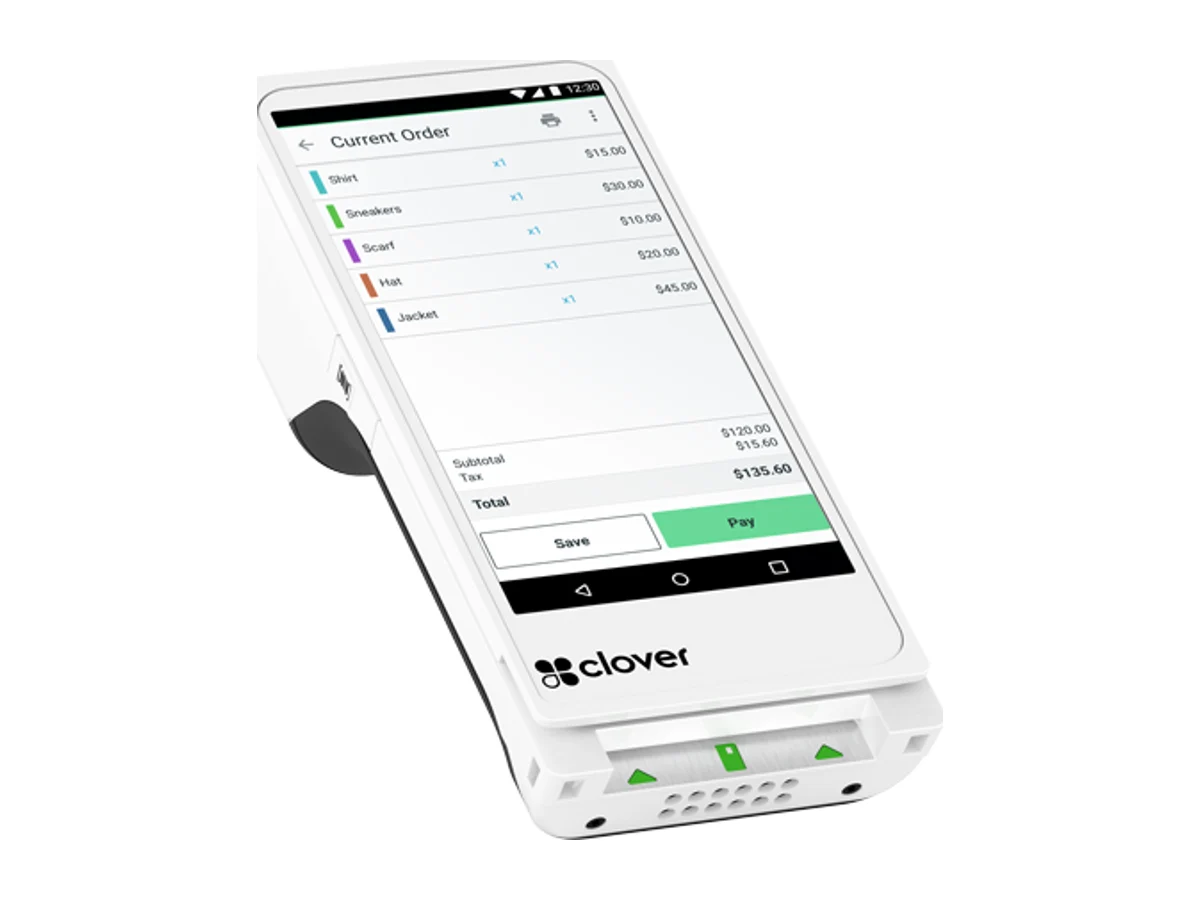
FOR TABLESIDE ORDERS AND PAYMENTS
A handheld option for servers, patio service and line assistance. Keep order entry and guest payment close to the point of service.
Explore Clover
FOR A SHARED KITCHEN ORDER QUEUE
An optional kitchen screen helps the team track incoming tickets and order status. Choose compatible hardware, routing and a supported subscription.
Explore CloverRecommended configurations depend on your Clover software plan, device compatibility and required integrations. Kitchen displays and some ordering services have separate subscriptions.
Use these priorities to shape the system demonstration and rollout plan.
Prioritize fast item entry, modifiers and a customer-facing checkout. Add a kitchen display when printed tickets make the handoff harder.
Prioritize floor plans, coursing, split checks and tableside ordering. Plan handheld coverage for the patio as well as the dining room.
Organize tabs and bartender access alongside the dining room. Confirm pre-authorization and tip workflows in the proposed restaurant plan.
Separate pickup orders from seated service. Review how online orders, delivery integrations and kitchen tickets reach the team.
Can I keep my existing restaurant POS?
Start with the system name, software version and payment provider. We will review the available processing and integration options before recommending replacement hardware.
Do I need a kitchen display?
Not every kitchen does. A printer may suit a small menu and one prep station. A KDS is useful when several order channels and prep stations need a visible queue and order status.
Can Clover support online ordering?
Clover offers online ordering options and integrations. The right setup depends on your plan, delivery services and kitchen workflow; confirm the required subscriptions before rollout.
What should I bring to a restaurant review?
Share your menu, number of service stations, peak order volume, current POS and whether you serve at tables, at the counter or both. A processing statement helps with the payment review.
YOUR NEXT STEP
Tell us how guests order and how your team serves. We will help match the POS, payment devices and kitchen workflow to your restaurant.